
Solution architecture
One architecture. Four places to start.
Commerce, Operations, Workspace, and Build each solve a real, specific problem on their own. What makes them an architecture instead of separate products is what runs underneath: one data layer that keeps them talking, and one team that decides what actually needs building.
Why this matters
Buying one tool at a time eventually costs more than buying none.
Each individual tool usually made sense when it was chosen. The cost shows up later — in the gaps between them, and in how much harder each new addition gets.
- One tool bought to fix one problem, then another, then another
- Nobody left who remembers why two systems were connected the way they were
- A report that takes a full day to assemble from three separate exports
- Every new integration gets harder because the last one was never documented
How it fits together
Four solution areas, one connective layer underneath.
Each area can run and prove its value on its own. Because they share the same data infrastructure, connecting a second or third area later doesn't mean starting over.
The solution areas
Data infrastructure
Connective layer
The four solution areas
Where daily activity actually happens — sales, resources, coordination, and anything custom-built.
Data infrastructure
Not a sixth product. The layer that carries information between the other five, so it's entered once and stays consistent.
Visibility & people
What the connected layer produces: owners get a live picture, and teams get work that's already routed to them.
The areas
Start with the one that matches your biggest bottleneck.
You don't need all of them on day one. Most engagements start with a single area and connect outward as the value becomes obvious.

Commerce
Sell and serve, connected.
Take orders, payments, and reservations through one connected front end — from QR tables to the counter — so every sale updates the rest of the operation as it happens.
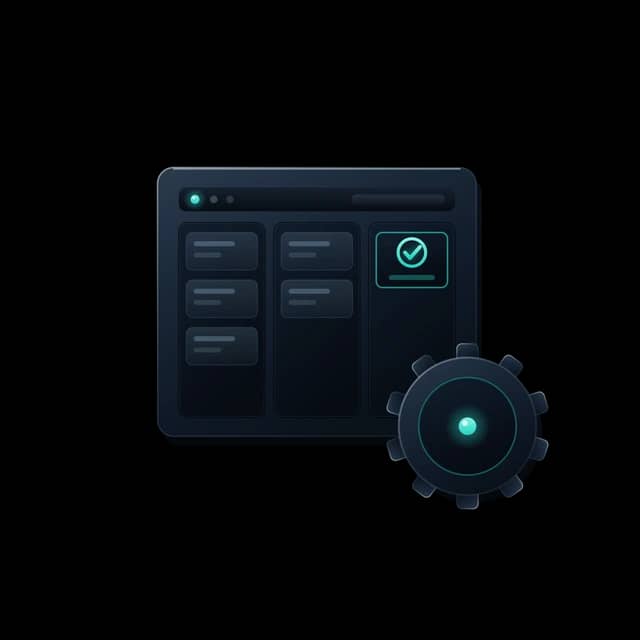
Operations
Run the business behind the counter.
Purchasing, inventory, workforce, and finance in one operational core — with the multi-branch controls and reporting owners actually need to stay in command.
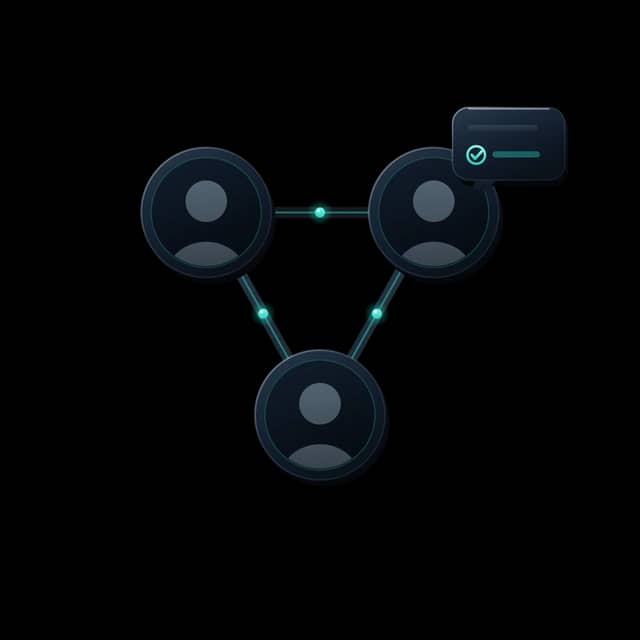
Workspace
Coordinate the people who run it.
Communication, tasks, files, approvals, and events in one place — so work moves between departments without slipping through the cracks.
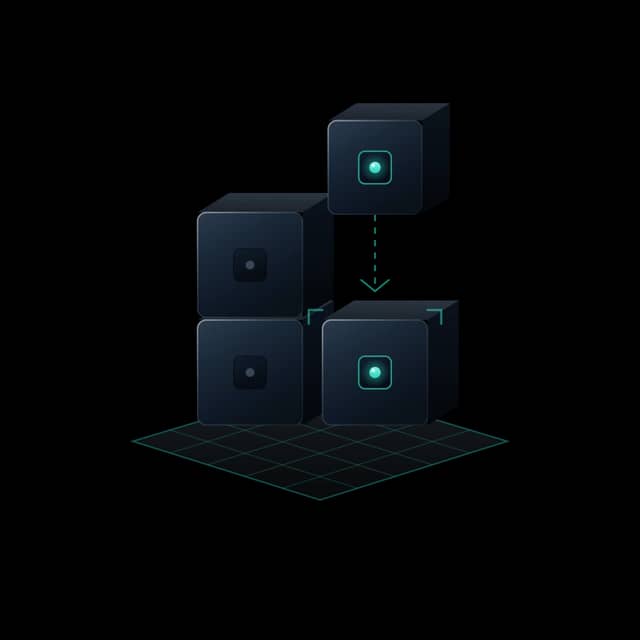
Build
For everything off-the-shelf can't do.
When the operation needs something specific, we build it — custom SaaS, portals, internal tools, automations, and the integrations that tie systems together.

Loyalty & Subscription
Membership · Repeat ordering · Retention
Customer accounts, membership, repeat ordering and the retention picture behind them — sitting on the same operational record as everything else, so a returning customer is recognised by the system that already holds their orders.
Production — running as the Shoyuzuke Members Club: accounts, saved details, saved addresses, order history and free membership, live for customers today.
Elion Vision
Counting · Zone awareness · Human review
Turning existing camera and sensor environments into operational awareness — counting against a defined zone and rule, and flagging events for a person to act on. Not facial recognition.
Prototype — an early recorder shell on synthetic test data, with no live streams connected. Read the page for what it does and does not do.
Read about Vision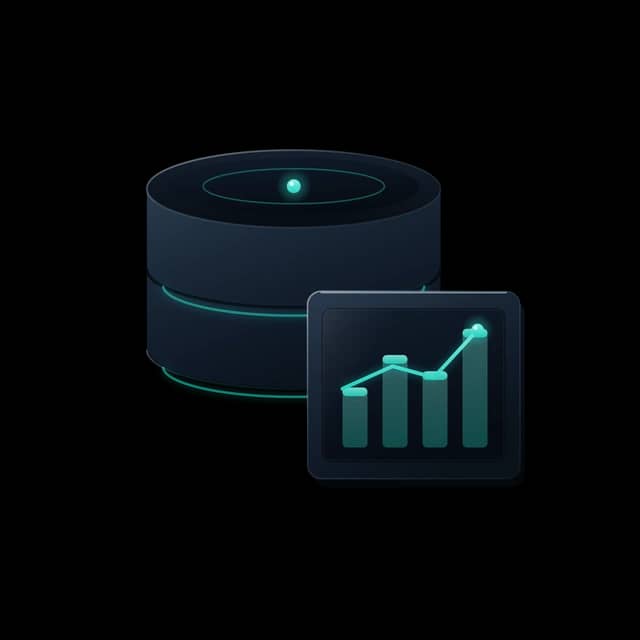
Data isn’t a sixth solution
The layer beneath. Integrations and pipelines keep the five areas in sync, so information moves once and stays consistent — not the sixth thing you buy, the thing that makes the other five work as one.
Where to start
You keep what already works. We connect or build the rest.
An assessment isn't a sales pitch for the full platform. It's how we work out which of these four moves actually applies to each part of your operation.
Integrate
A tool you rely on stays, connected to the rest.
Improve
A system that mostly works gets sharper, not replaced.
Automate
A manual handoff between people or tools is removed.
Build
Nothing suitable exists, so we build the missing piece.
A useful system you already run doesn’t get replaced by default. The architecture is designed to connect to it — expanding to a second or third solution area is a decision you make later, not a commitment you make up front.
The next step
Start with a Systems Assessment.
A focused conversation about how your operation runs today, where it loses time, and what a connected system would change. No obligation to build anything.
In an assessment we
- Understand how your operation runs today
- Identify the disconnected systems and bottlenecks
- Map the highest-value improvements
- Decide together whether Elion is the right fit